

Weeks of UI, shipped in minutes.
Animated components and full screens for Expo & React Native. One command, and the code is yours — on iOS, Android, web and Expo Go.
70 components · 347+ variants · 23 charts
❯
0
Components
Inputs to overlays, each with live variants.
0+
Variants
Ready-made looks you can copy as-is.
0
Screens
Sign in, checkout, settings and more.
0
Charts
53+ animated, touchable chart variants.
Why we built it
Every app rebuilds the same inputs, sheets and toasts — and burns a sprint polishing them. ExpoKit hands you that polish on day one: springs, gestures and themes that feel native, in code you own. What used to take a week now takes a coffee break.
Playground
Real components, running right here.
Not videos — the actual React Native code. Pick one, try its variants, then copy one command.
Navigation
Bottom Nav
Five tab bars from one prop — floating capsule, sliding pill, centre action button.
4 variants
$ npx @expokit/cli@latest add bottom-navDocs 3D
Depth you can feel. No libraries.
A wallet that fans out, a ring you spin, a deck you swipe — native-driven 3D that runs in Expo Go. Go on, touch them.
Blocks
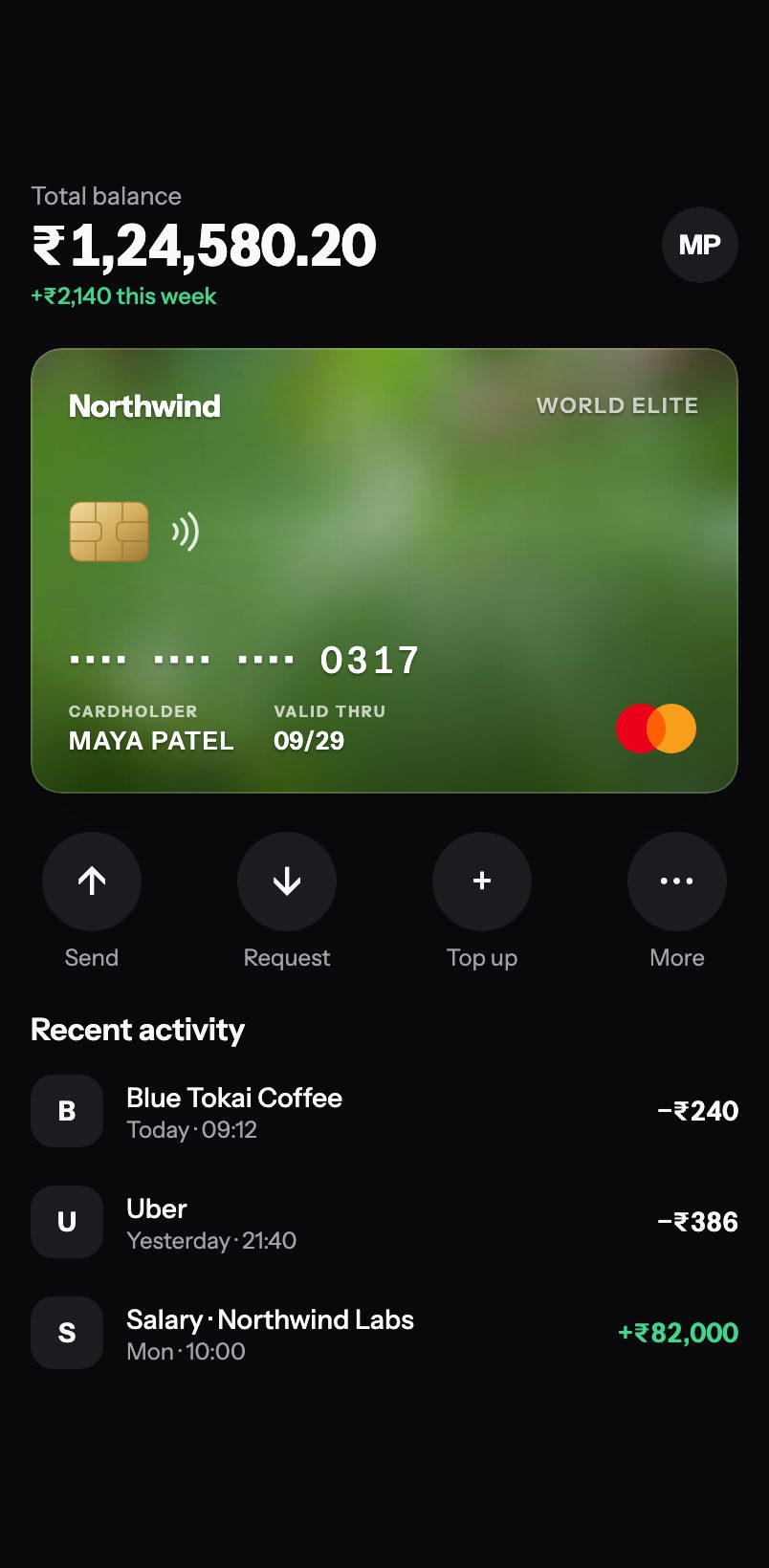
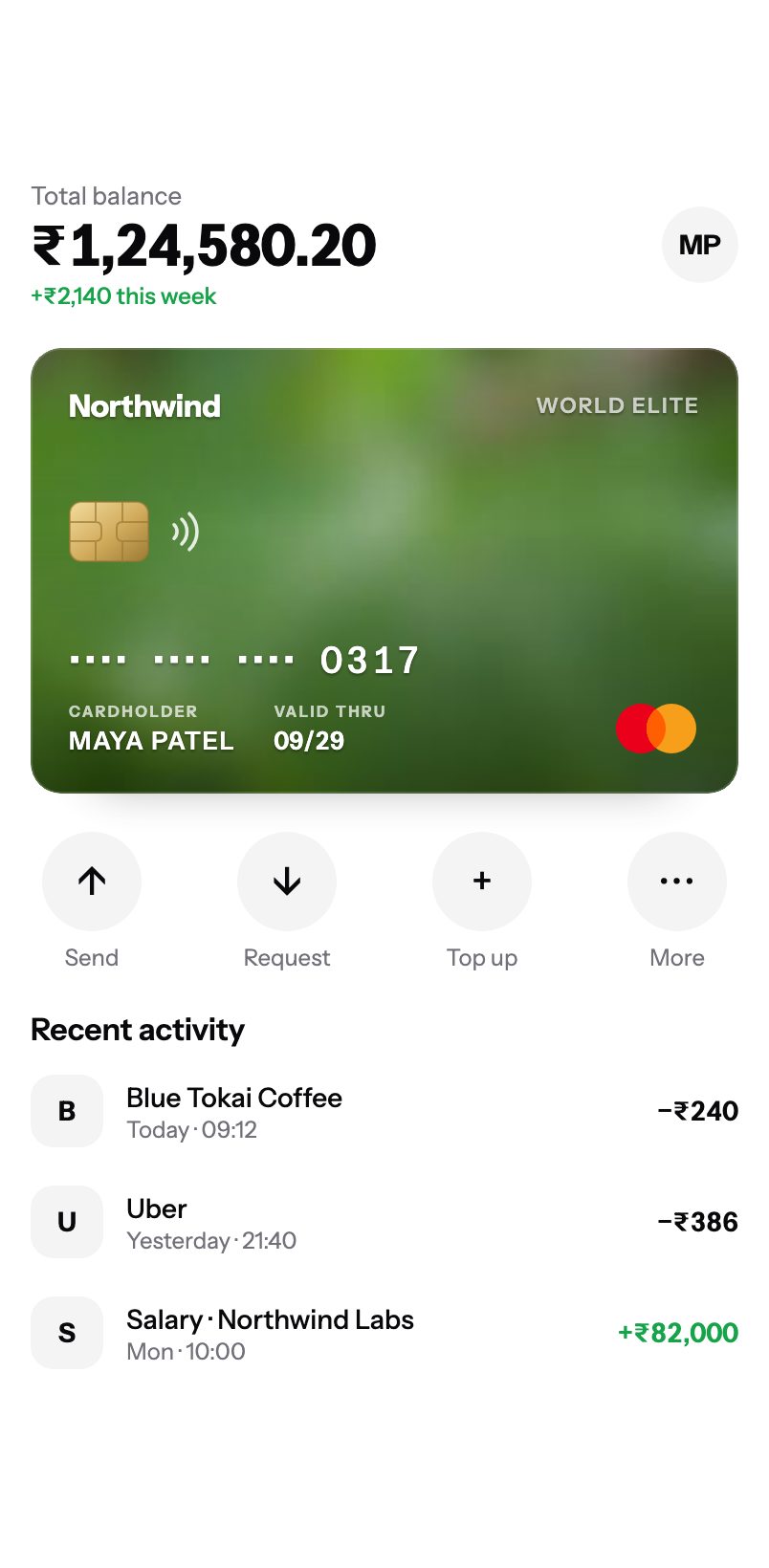
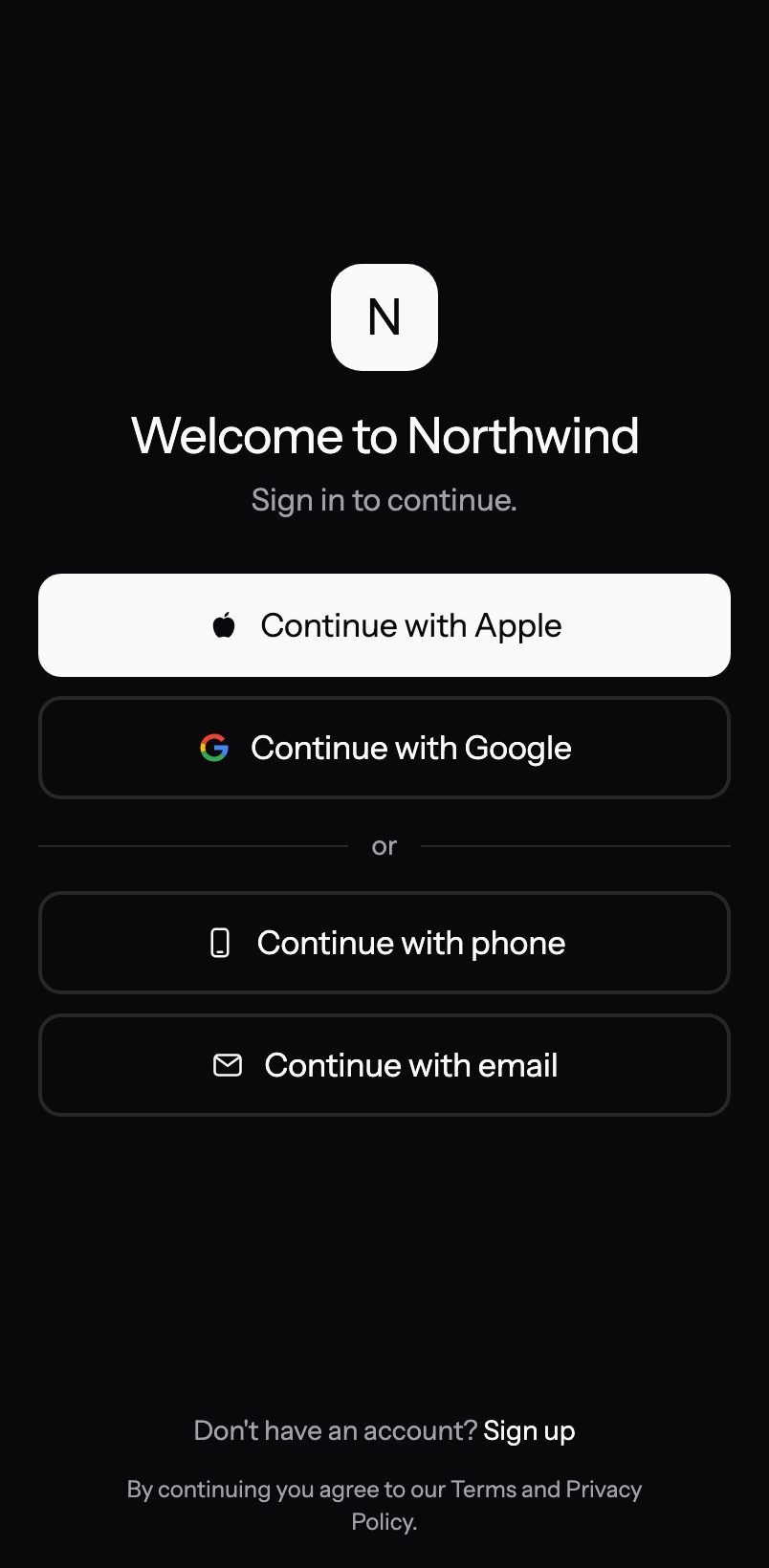
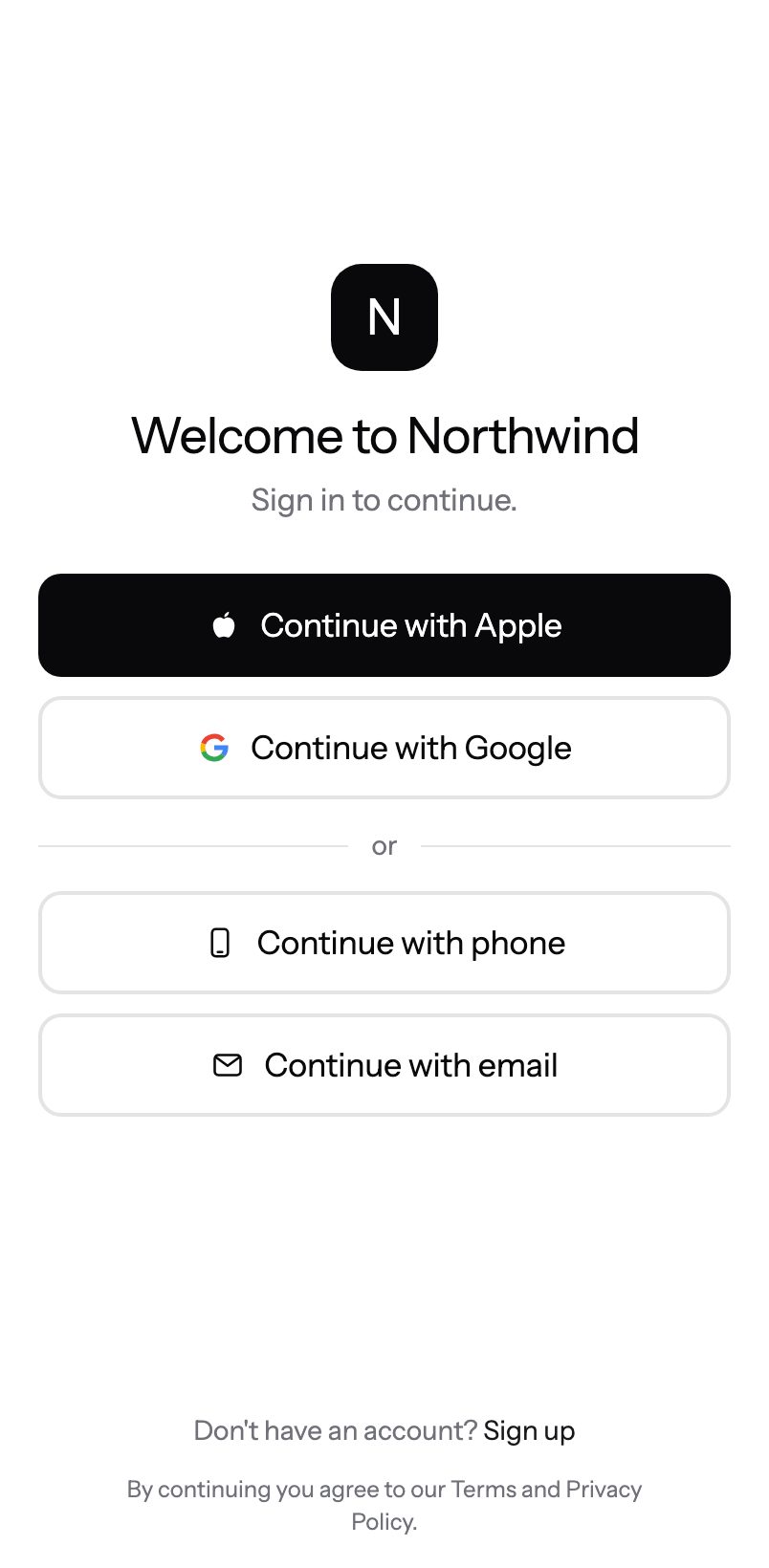
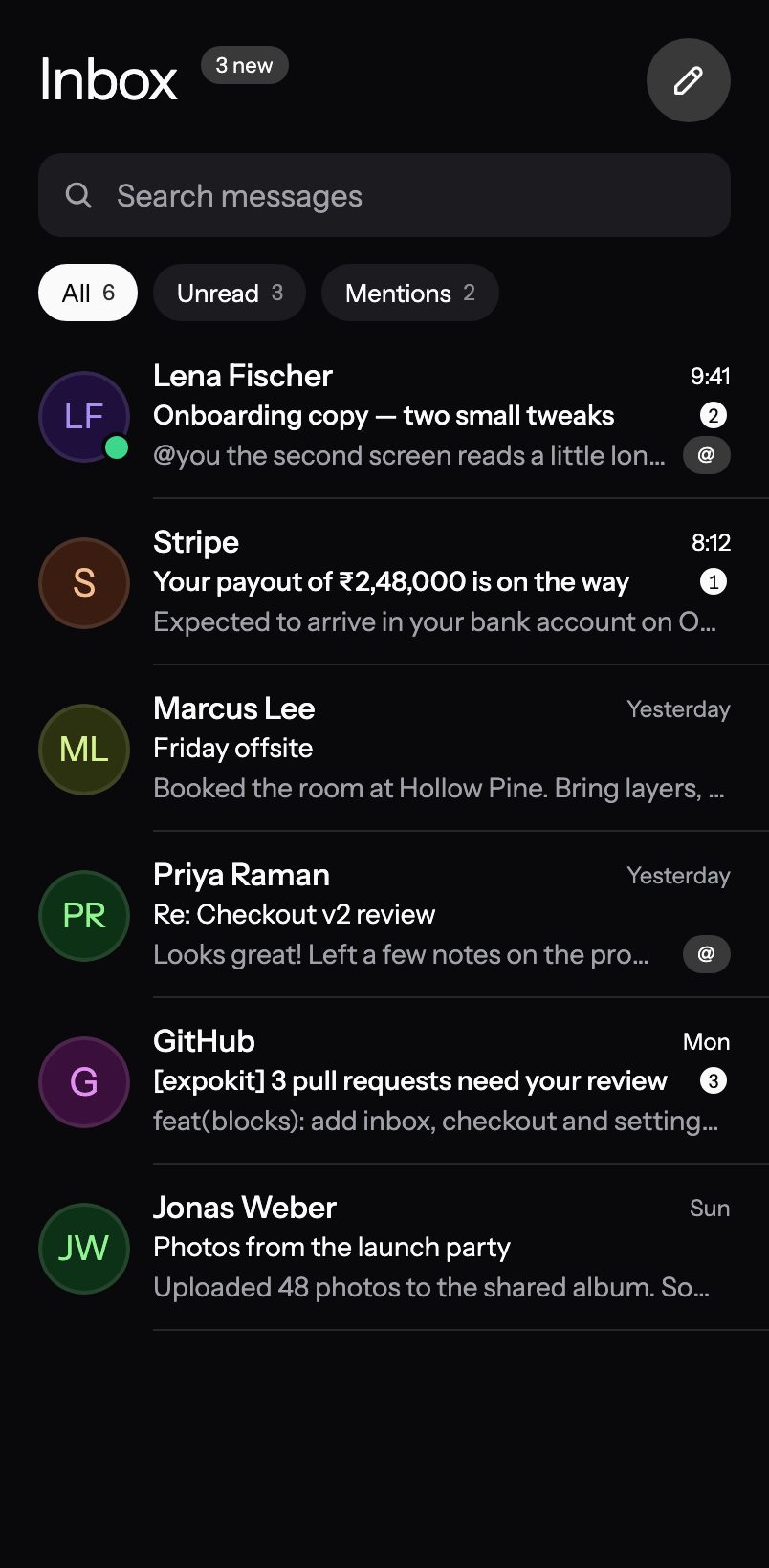
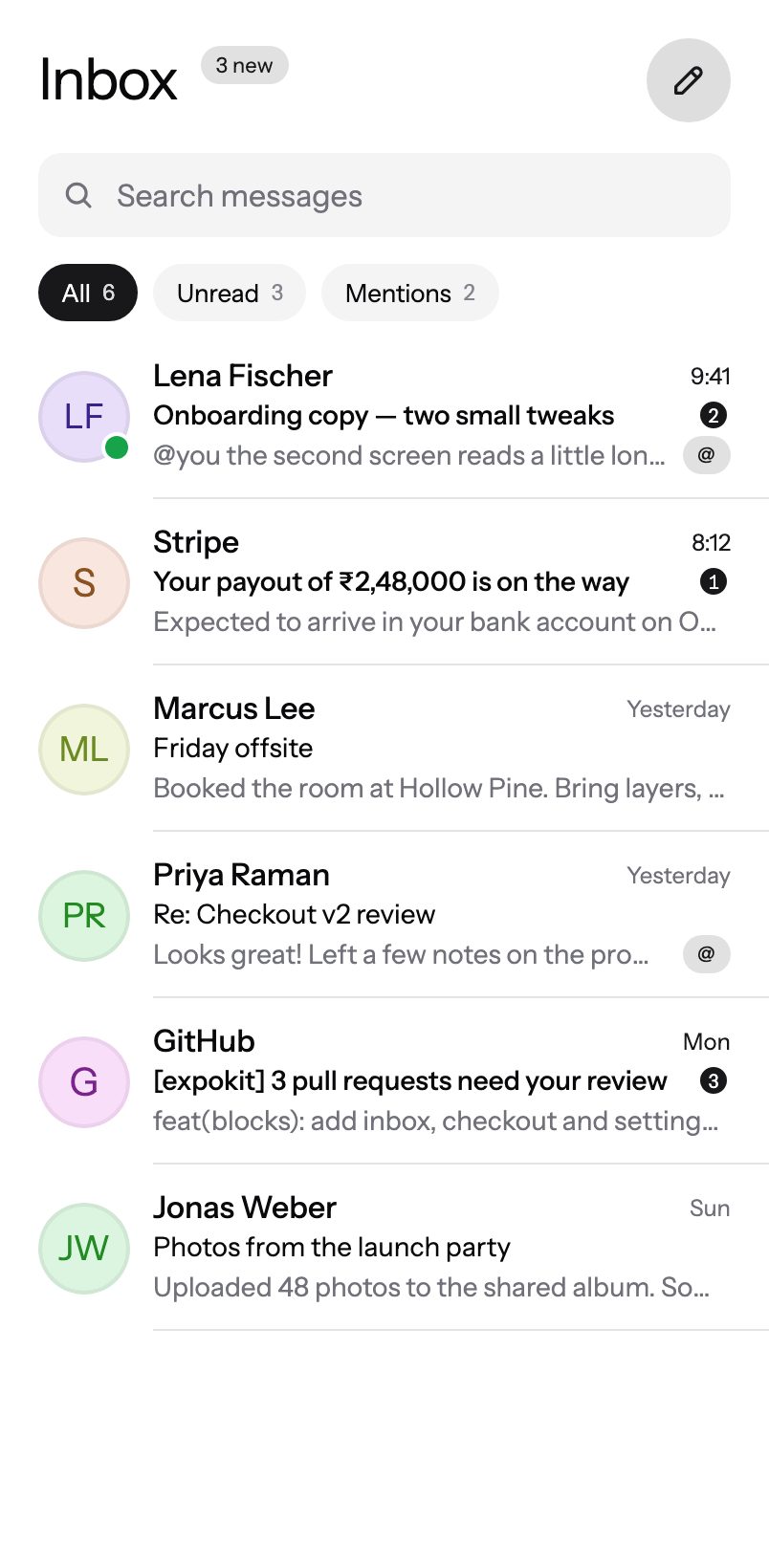
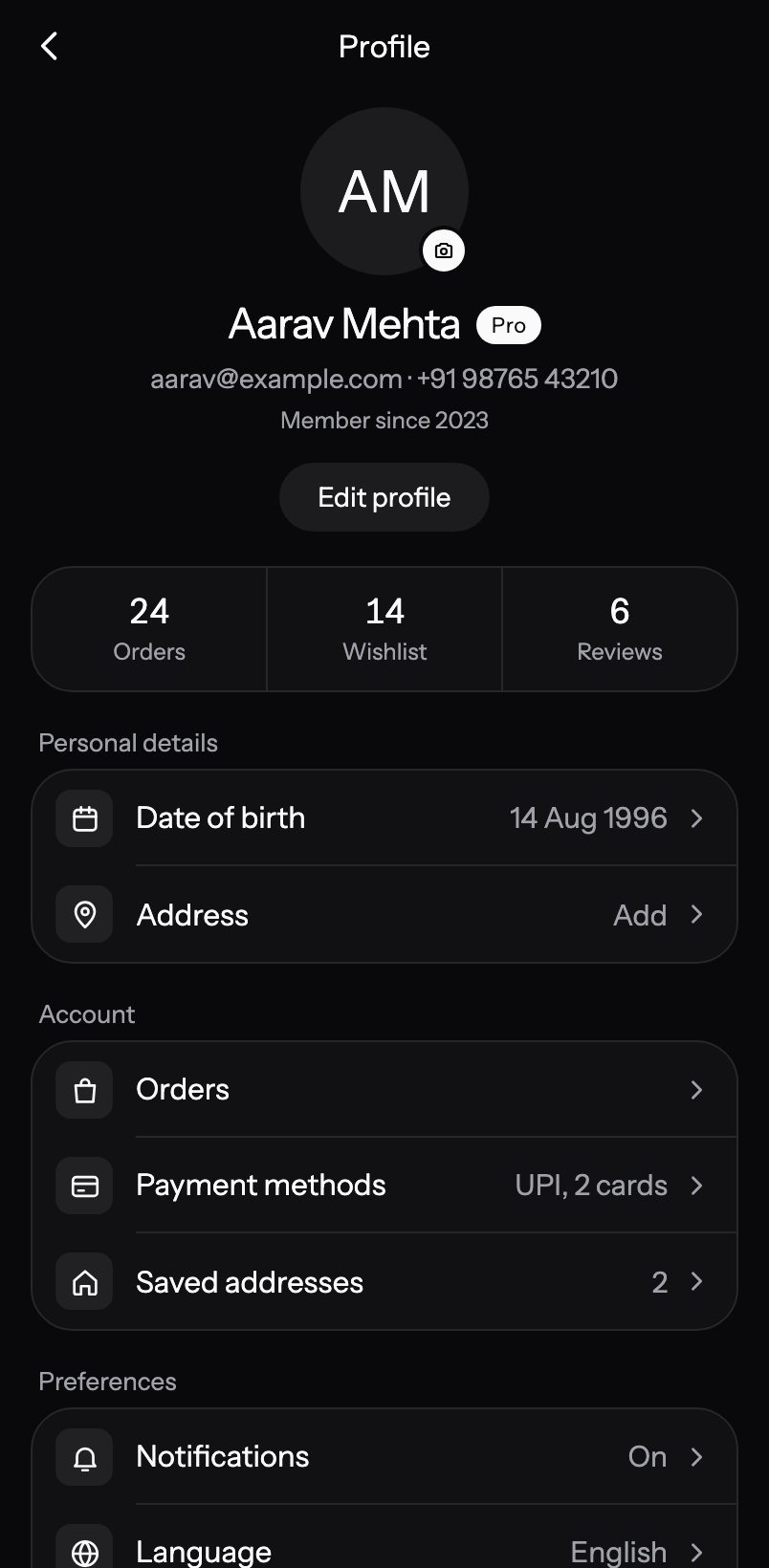
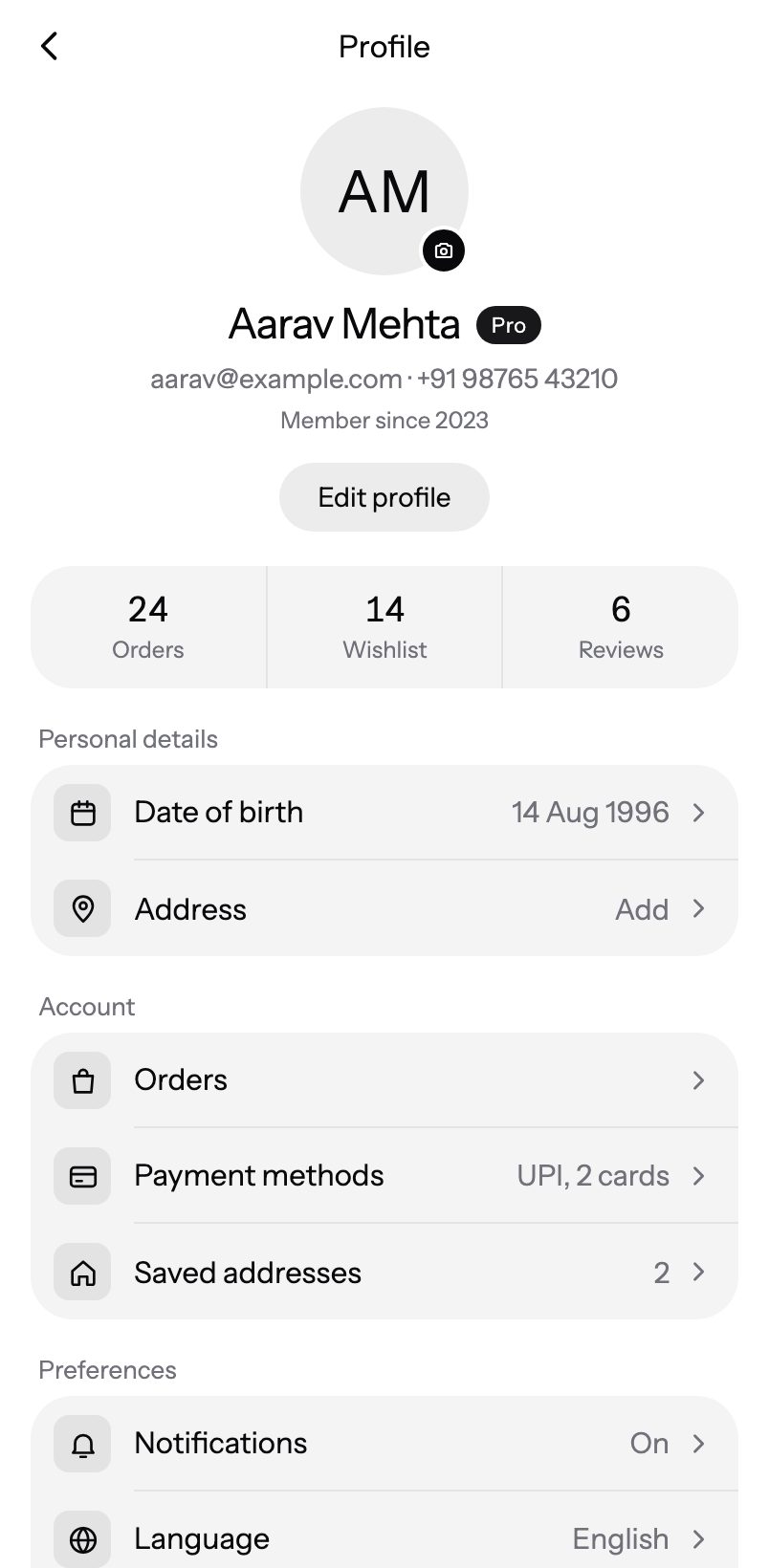
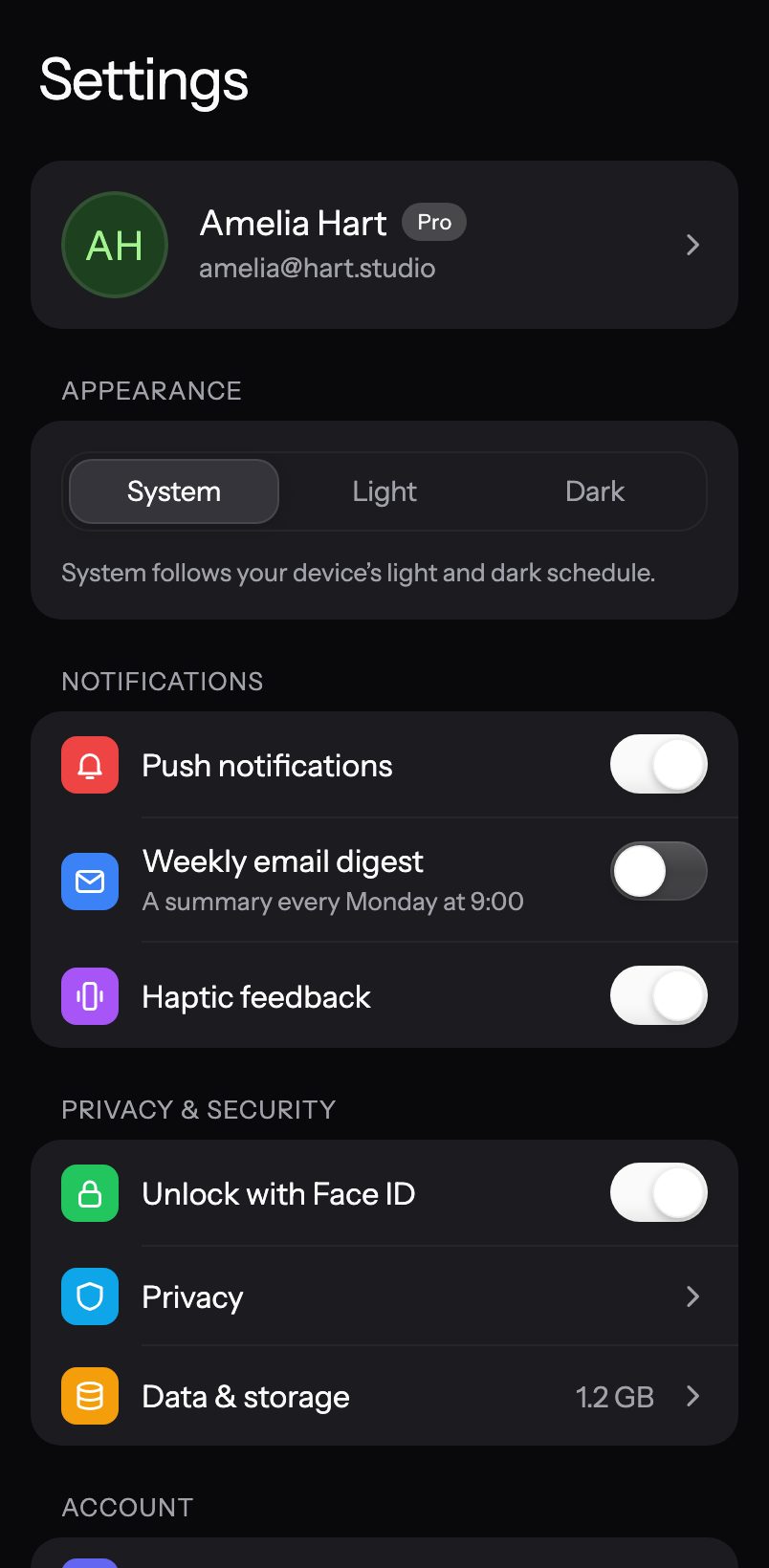
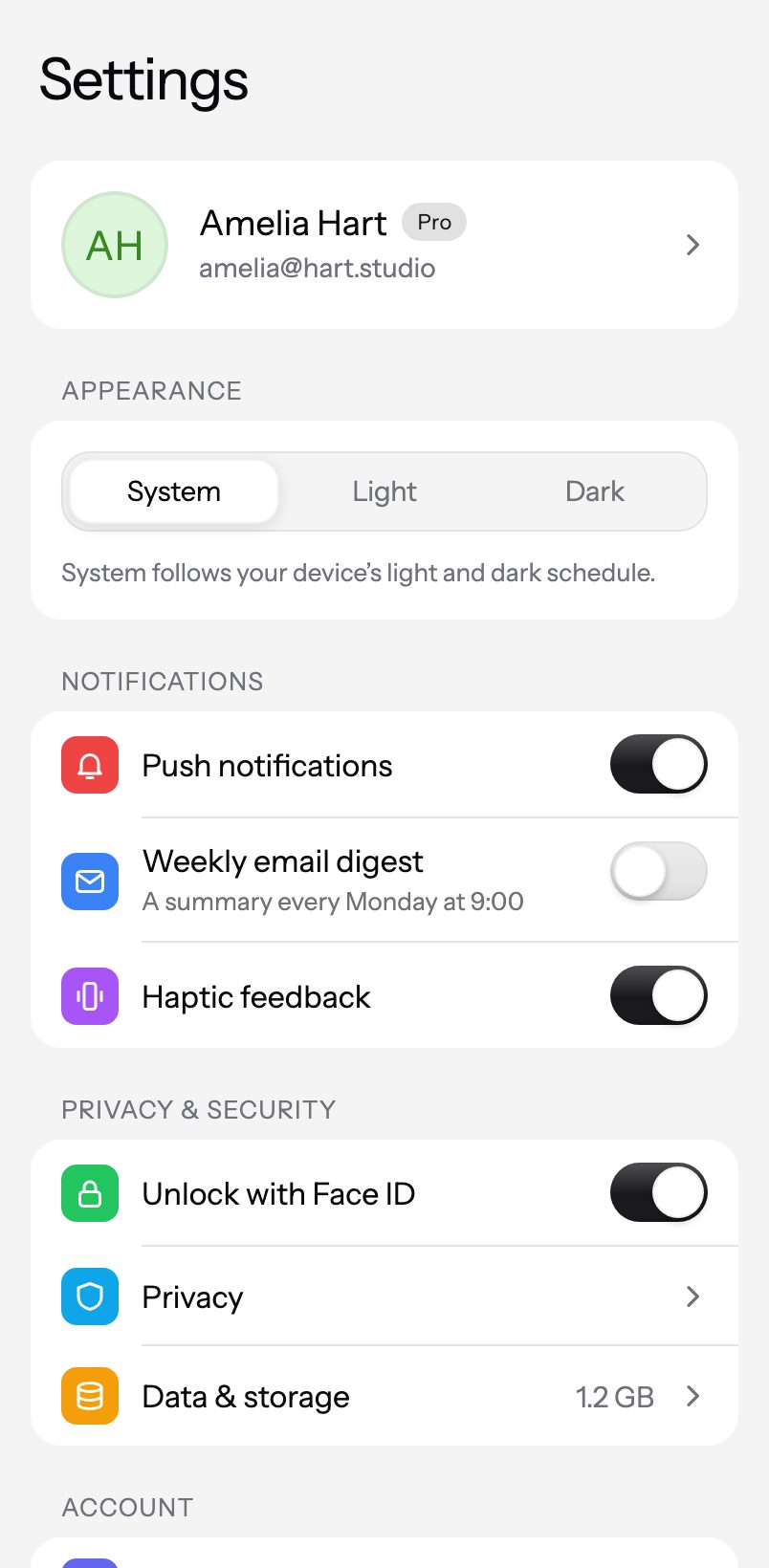
Whole screens. Zero blank canvas.
Sign in, checkout, inbox, settings — composed from the kit and wired with props. Drop one in and connect your data.
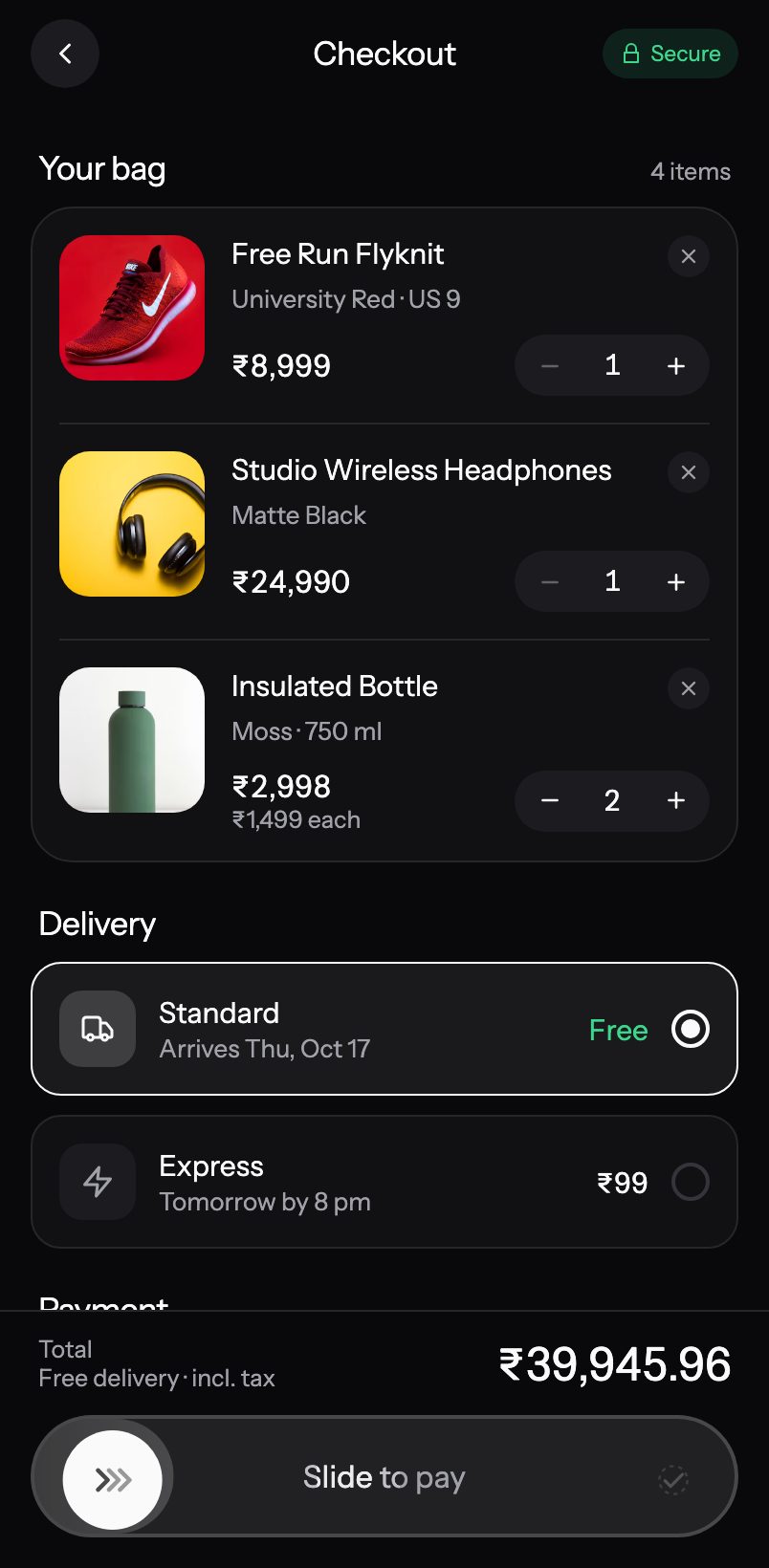
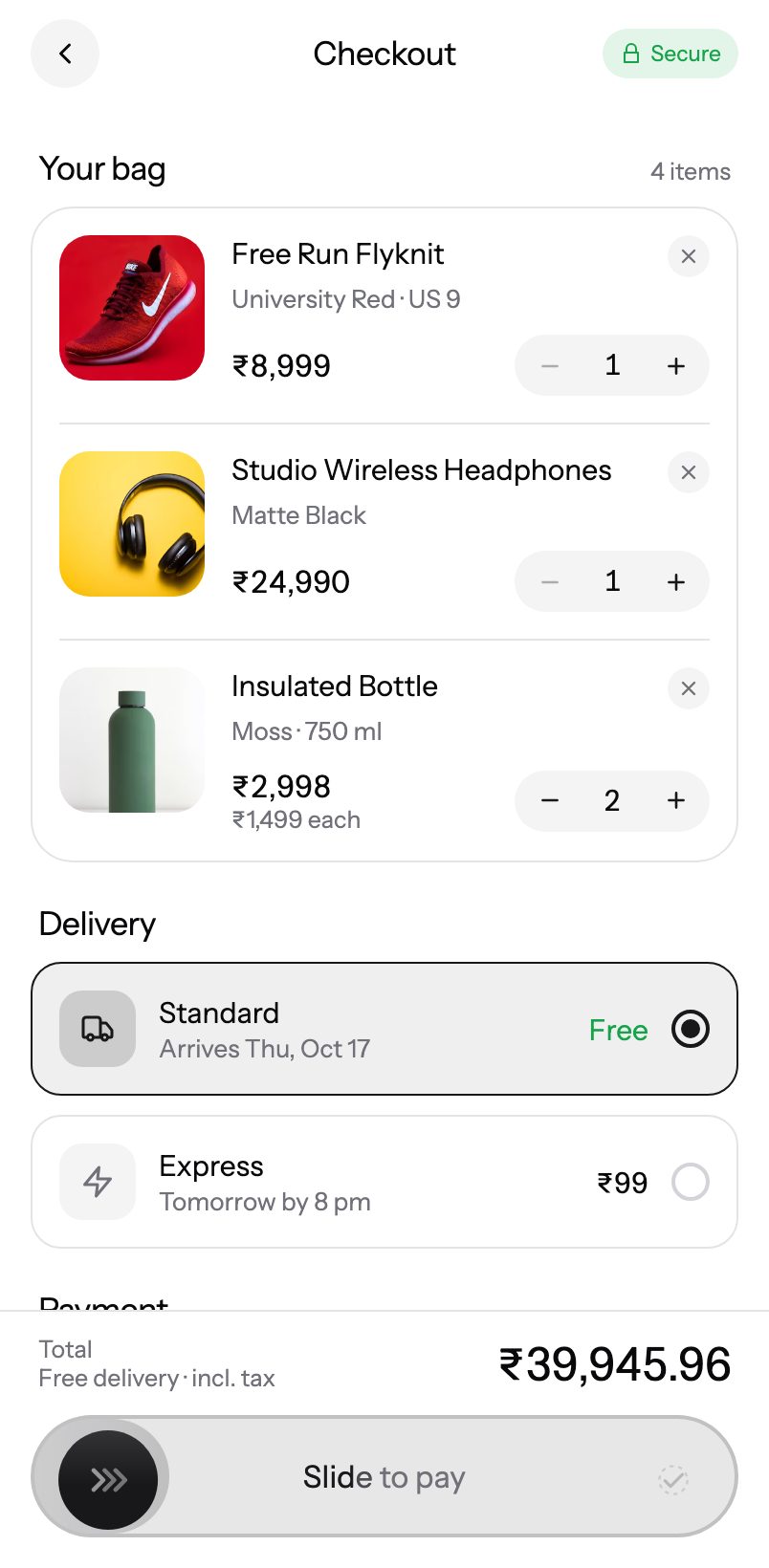
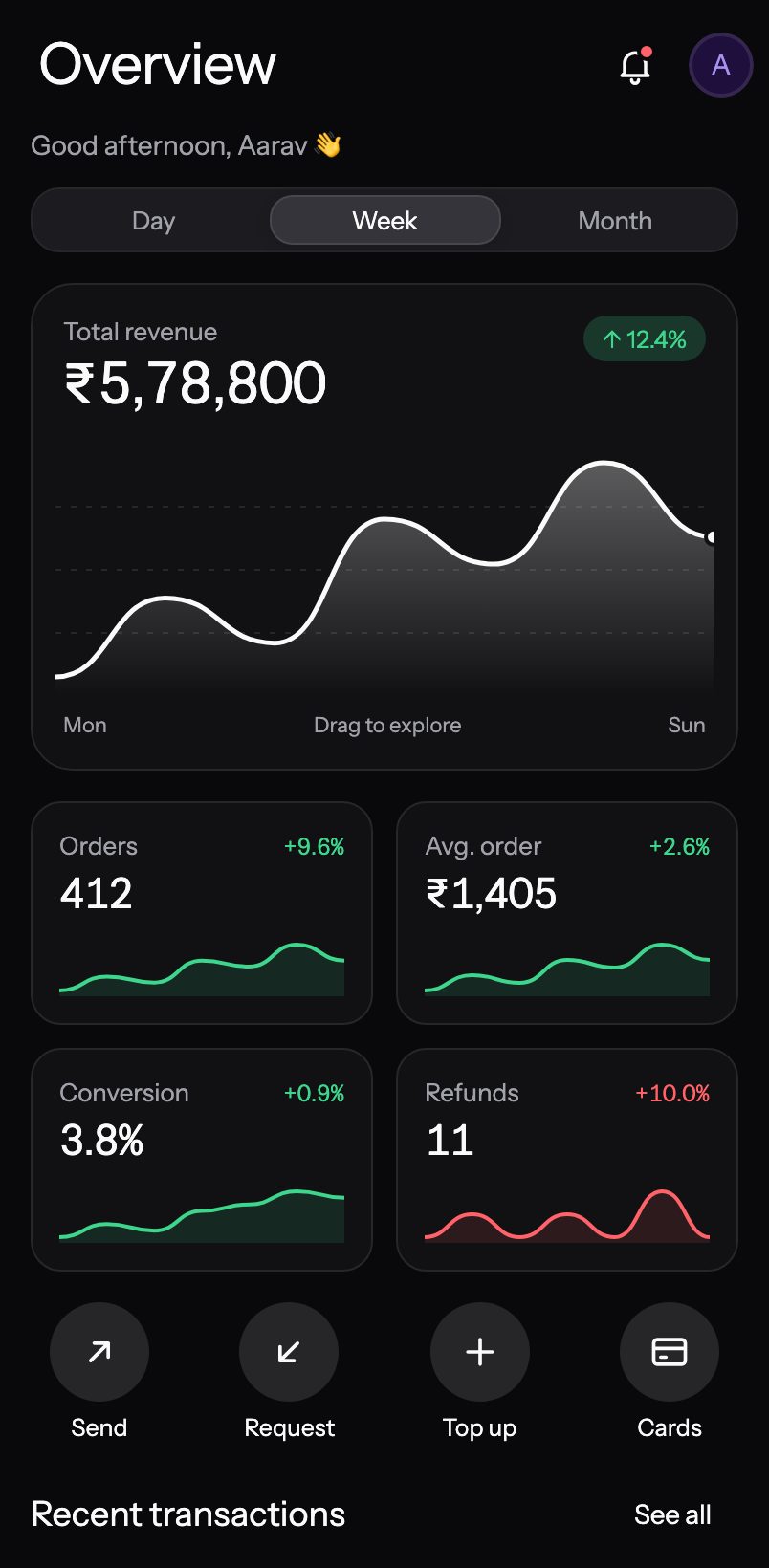
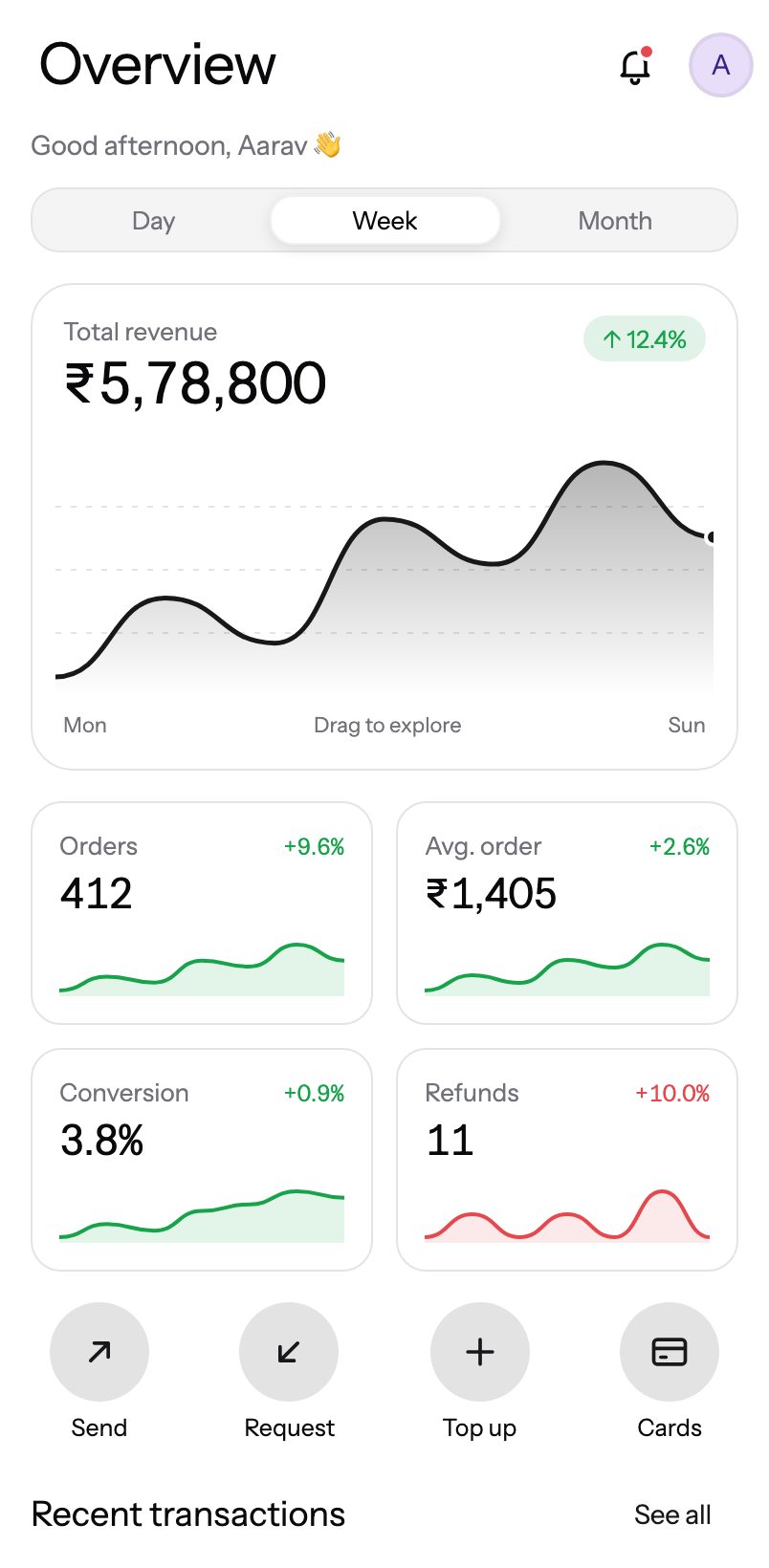
Charts
23 charts, 53+ variants.
Animated, touchable charts — scrub tooltips, drag around a donut, turn a gauge.
Install
Copy. Paste. Ship.
- 01
Any Expo app
SDK 55 or newer, Expo Router or not. Works in Expo Go.
- 02
Add a component
@expokit/cli@latest add button copies the source into src/components/ui.
- 03
Make it yours
Wrap the app in <KitProvider accent> or edit the file — it's your code now.
import { FloatingInput } from "@/components/ui/floating-input";import { Button } from "@/components/ui/button"; export function SignIn() { return ( <> <FloatingInput label="Email" variant="outlined" clearable /> <Button variant="accent" size="lg" block>Continue</Button> </> );}From the founder
 Karan@itsmeekaran · ExpoKit
I'm on X every day looking at the apps people ship, and I've built a lot of apps myself. Every time, the same thing slowed me down: the UI. On the web you have shadcn and hundreds of component libraries that make building fast. For mobile apps there was nothing close.
I researched for a long time and found bits and pieces — nothing that felt good enough. So I built the thing I wished existed: one place for polished, animated components for Expo & React Native that you copy in and own.
Front-end is what I'm best at, and I'll keep shipping better components. Next up: complete apps — one command and your whole app is ready, UI and all, for you to shape however you like. Use it, break it, and tell me what you think.
Karan@itsmeekaran · ExpoKitHow do I install ExpoKit?
npx @expokit/cli@latest init once, then npx @expokit/cli@latest add button — the source is copied into src/components/ui and any missing packages are installed. See Installation.Does it work in Expo Go?
I bought Pro — how do I get access?
How do I log in with the CLI?
npx @expokit/cli@latest login and paste it. whoami shows the plan the CLI sees; logout removes the token from that machine. Revoke tokens you no longer use.Can I get a refund?
Where are my receipt and invoice?
What am I allowed to build with it?
Can I request a component?
Stop rebuilding. Start shipping.
Your first component is one command away.